 saRa
How to find, print, receive payment on and reverse invoices
Steps
Open Accounting →
Invoices
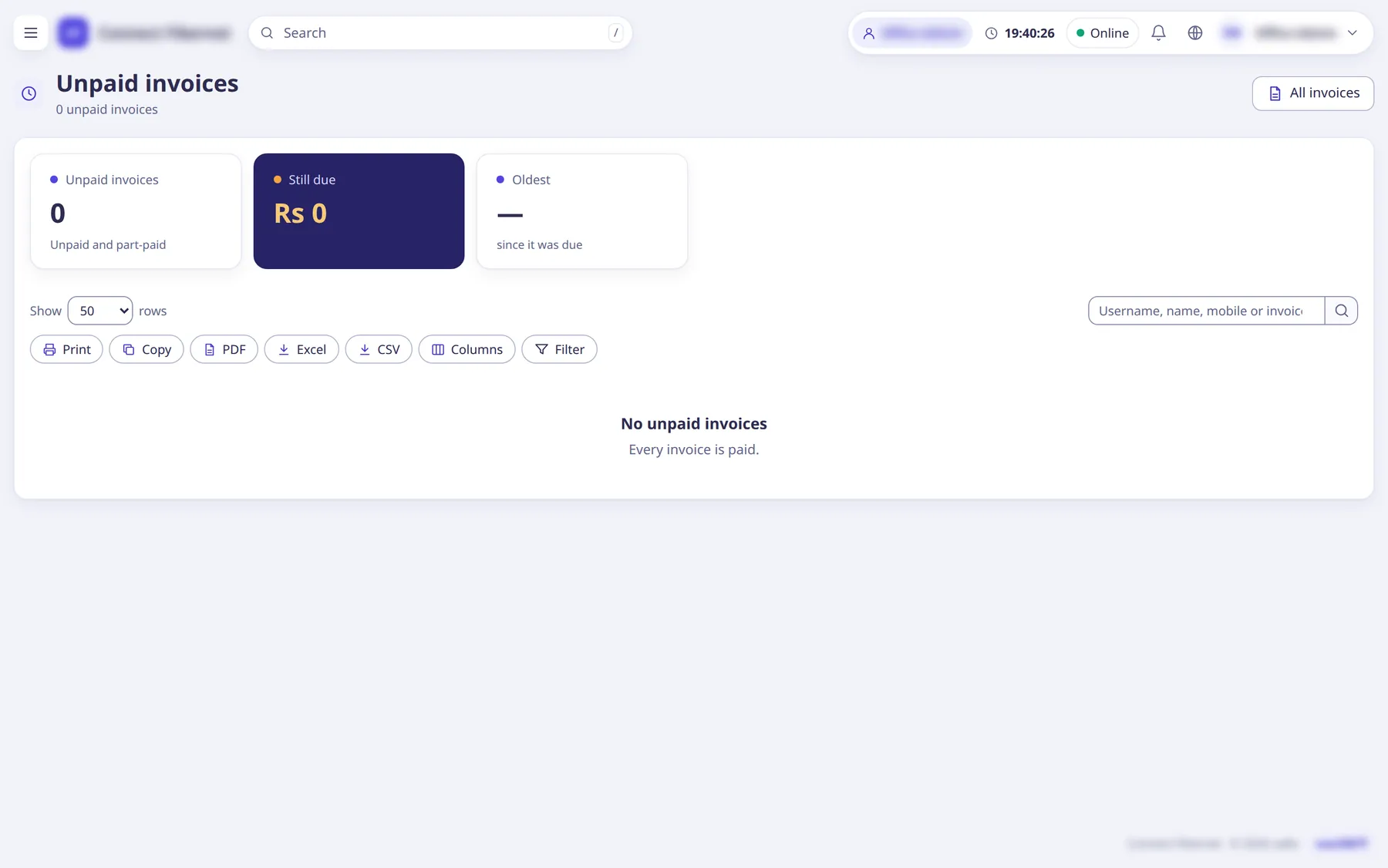
to search and filter every invoice;Unpaid invoices
lists only what is still due.The list can be printed (Print A4, Receipt 80 mm) and has bulk
Reverse unpaid
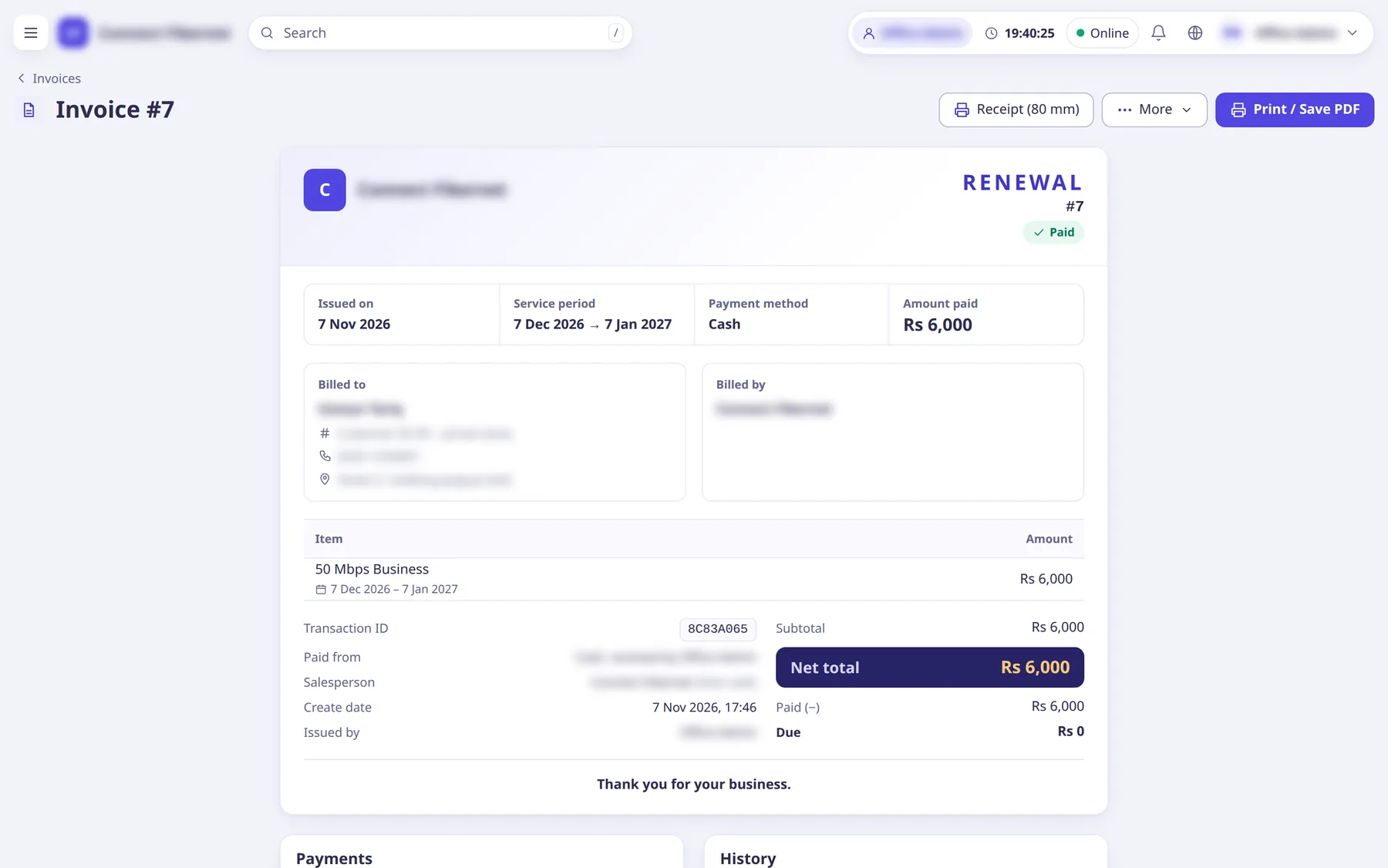
.Open one invoice. The page shows lines, the
Payments
table (Received, How, By, Amount, Receipt) and the subscriber card.Buttons:
Receive payment
,Receipt (80 mm)
,More
andPrint / Save PDF
.To collect money click
Receive payment
, enterAmount
, pickPaid by
(Cash, Bank transfer, or From the prepaid balance), optionallyPrint a receipt (80 mm)
, and clickReceive
.Less than due leaves the rest due; more than due puts the extra on the prepaid balance.
To make a custom bill (installation, a router, a visit) click
New invoice
on the subscriber's More menu, or open /invoices/new. ChooseInvoice type
(Invoice
orInvoice and subtract the balance
), theSubscriber
, addLines
withQty
andPrice each
(+ Add line
), choosePaid
(Later (leave it due), Cash now, Bank now), and clickMake invoice
.Add the package price as a line
adds a line without renewing the subscriber.To take an invoice back open it →
More
→Reverse invoice
, enterWhy
, choose what happens to cash or bank money paid on it ('Keep it as the customer's prepaid balance' orGive it back (it leaves the cash book or bank)
) and clickReverse invoice
.Only the newest renewal can be reversed; its days are taken back.
What saRa does
Payments are posted to the ledger and, for cash, to the cash book. A reversal gives money back where it came from: a partner's wallet gets its cost back (partners above give back their margins), a prepaid card works again, the prepaid balance gets its money back and online payments go to the balance. If the renewal was made with a staff balance, the staff balance is refunded.
Good to know
- Each invoice has a printable A4 sheet and an 80 mm receipt.
- Every action is in the activity log (Logs and reports →
Activity log
).