 saRa
How to read reports and accounting
Steps
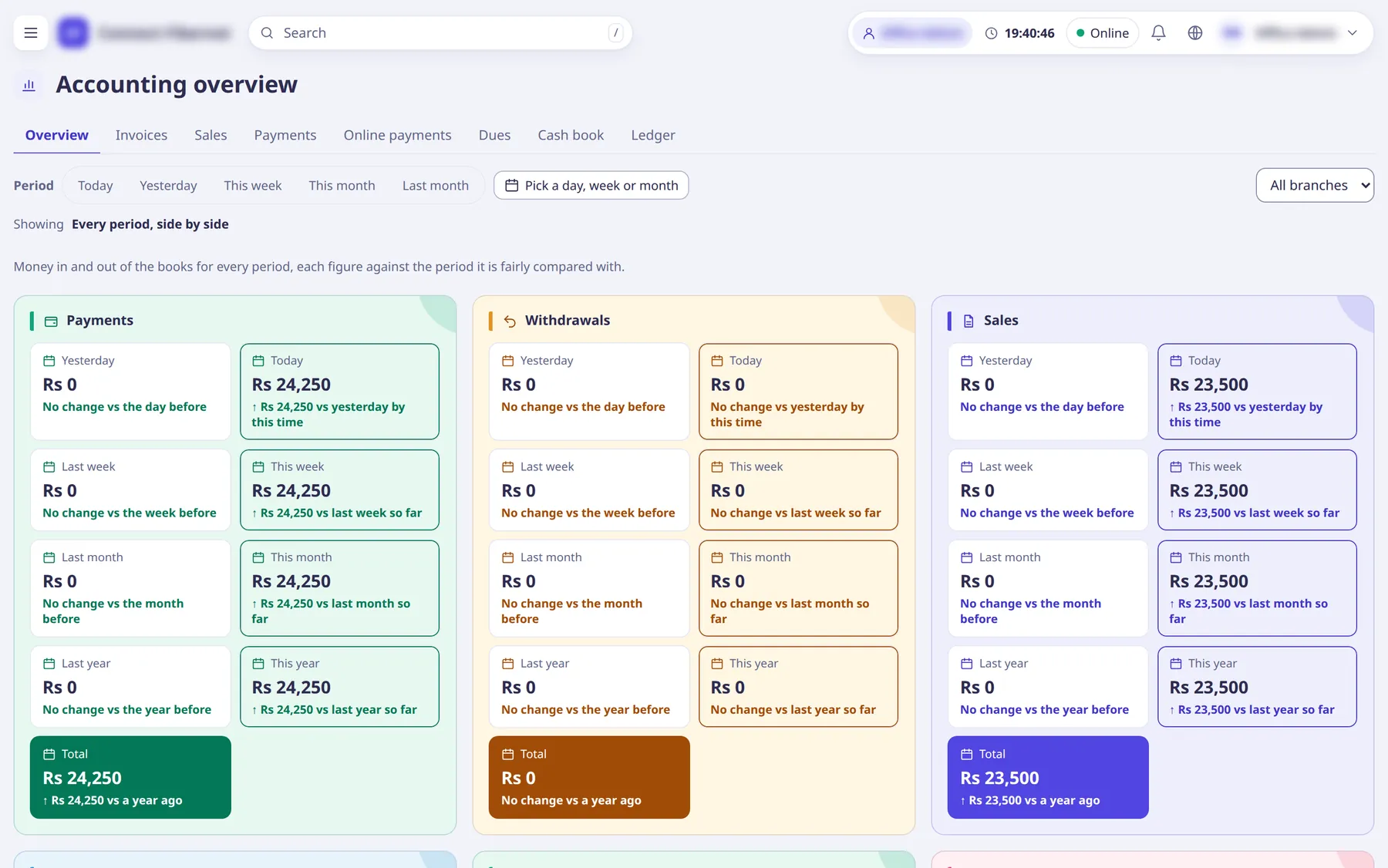
Open Accounting →
Overview
for income, expense and counters over a period.The header has a period picker (today, yesterday, this week, this month, last month, or pick a day / week / month on the calendar) and a branch select; the period carries between tabs.
Move between the accounting tabs:
Invoices
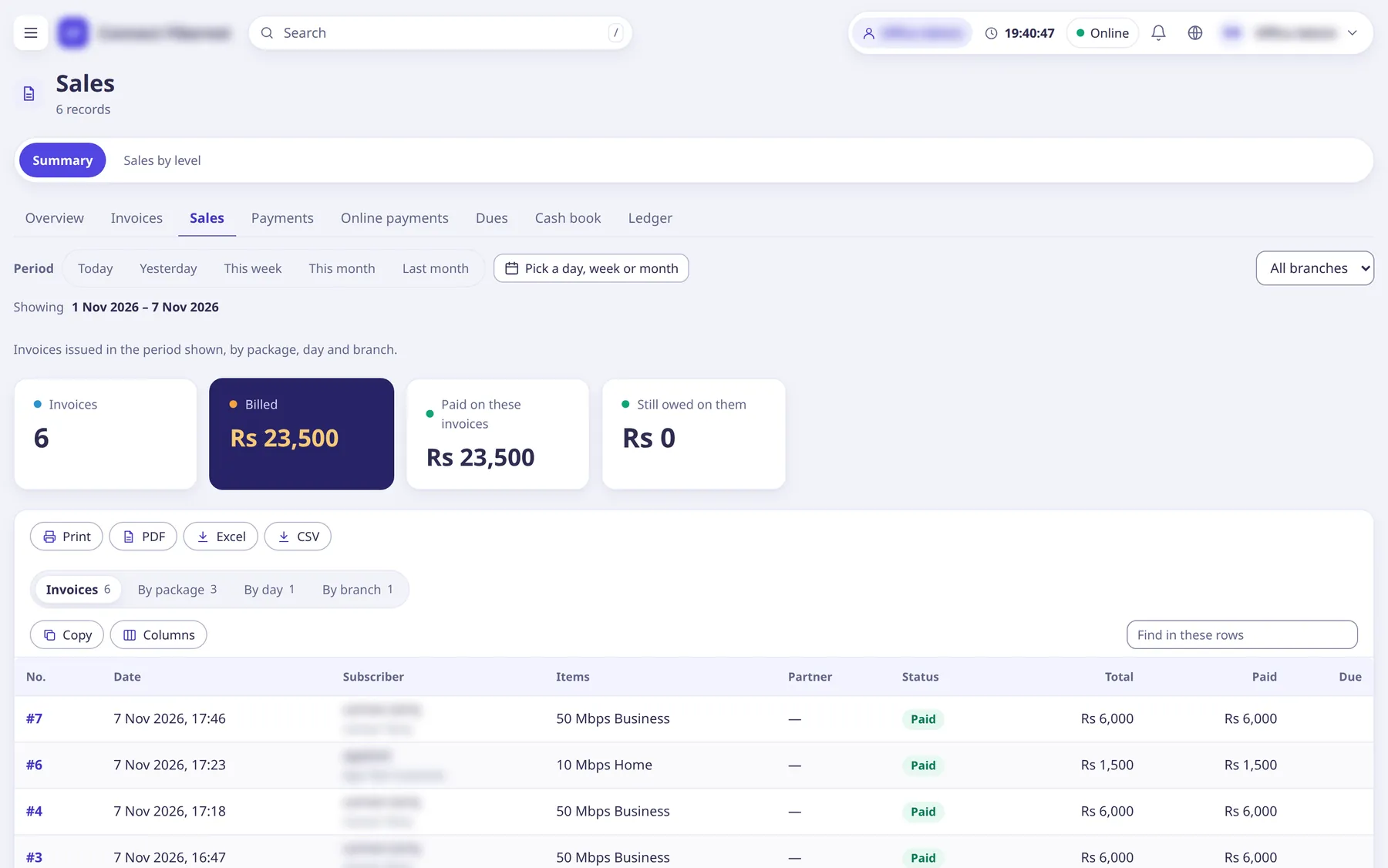
,Sales
,Payments
,Online payments
,Dues
,Cash book
andLedger
.Click an account to see its entries.
Open Logs and reports for operational reports:
Partner-wise
,Expiring soon
,Billing cycles
,Bandwidth usage
,Regulator summary
, and the logsActivity log
,Session log
,Login log
,CoA requests
,Failed logins and activations
,Failed imports
,Exports
.Subscriber lists have their own filters in Subscribers (for example
Expiring in 7 days
).On a report use the Export menu: CSV, Excel or Print.
The same address with ?format=csv downloads the CSV; ?as=xlsx and ?as=print give Excel and a print page.
What saRa does
Reports read the same ledger and invoice data that renewals and payments write, so figures match the cash book and the profile ledgers (subscriber, partner). Nothing is recalculated by hand.
Good to know
- Branch staff see only their own branch's figures.
- Dashboard shows the day at a glance; the platform dashboard summarises every ISP for the Owner.
- Salary lines are kept out of ledger pages for people without
See salaries, dues and advances
.