 saRa
API and webhooks
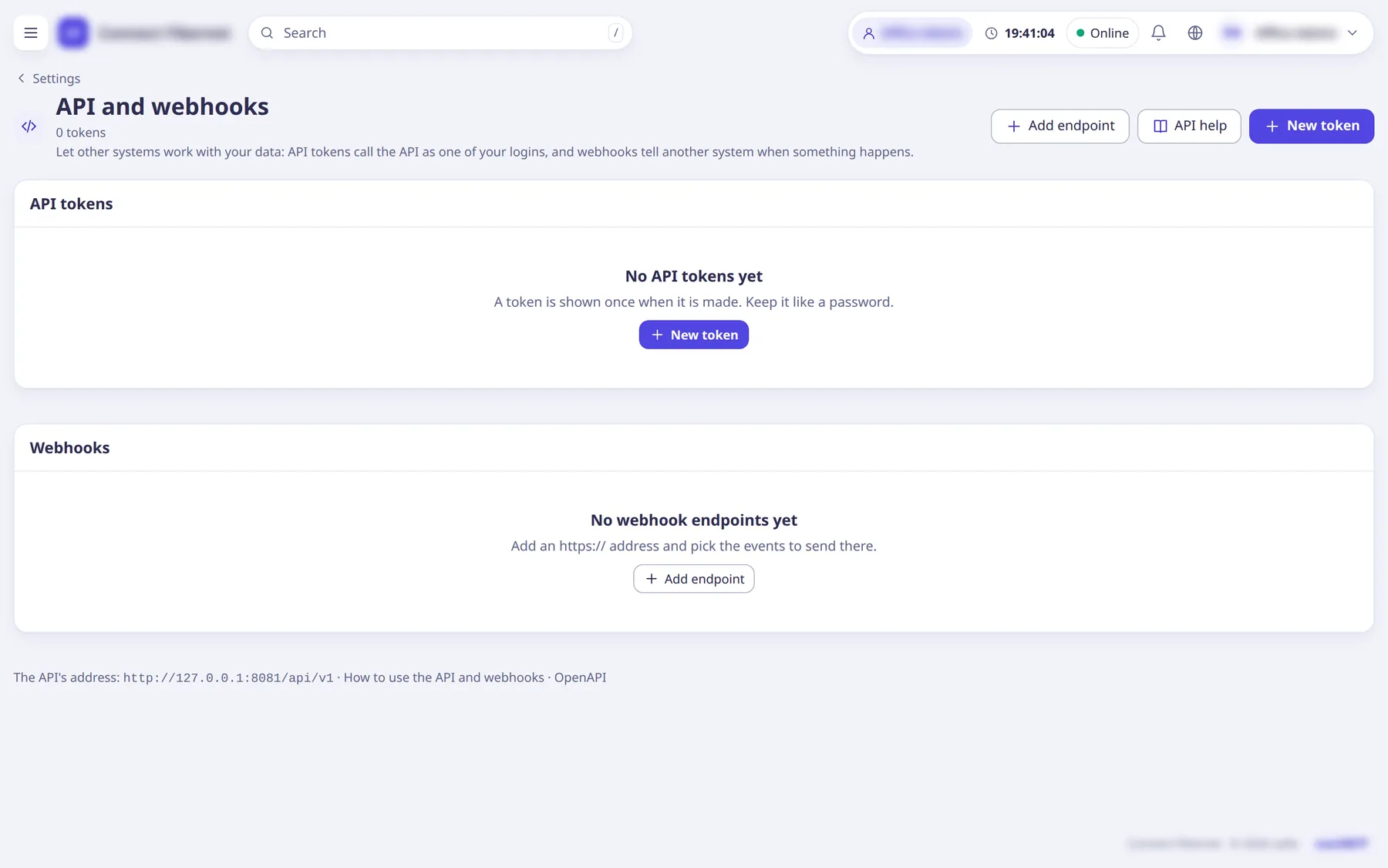
Tokens other software signs in with, and webhooks that tell it when something happens. Also has a "Using the API" documentation page.
The settings
Token: Name
TextWhat will use the token, for example Accounts system.
- Default
- empty (required)
- When to change
- When making a token.
Token: Expires
dateThe token stops at the end of this day.
- Default
- empty (never)
- When to change
- For temporary access.
Token: Acts as
ChoiceWhich login the token acts as (shown when you may pick one).
- Default
- the person making it
- When to change
- To scope a token to a partner login.
Token: Requests a minute
NumberMore requests are refused until the next minute.
- Default
- 120 (allowed 1 to 6000)
- When to change
- To limit a busy integration.
Token: Allowed addresses
TextOnly these IP addresses or ranges may use it, for example 203.0.113.7, 198.51.100.0/24.
- Default
- empty (any address)
- When to change
- To lock a token to your server.
Token: Permissions
ListCheckboxes grouped like the role editor; only what you can do yourself. A token for a partner login also stays within what that login can do. The token is shown once when made.
- Default
- none ticked
- When to change
- Grant the minimum the integration needs.
Webhook: Address
TextMust start with https:// and be on the public internet.
- Default
- empty (required)
- When to change
- When adding an endpoint.
Webhook: Note
TextWhat receives these events.
- Default
- empty
- When to change
- Optional.
Webhook: Send events
SwitchOff: nothing new is sent to this address.
- Default
- on (edit form only)
- When to change
- To pause an endpoint.
Webhook: Events
Listpayment.received (cash, bank, online, partner top-up); invoice.created; subscriber.created; subscriber.renewed (activated or renewed); subscriber.expired (cutoff passed); subscriber.online (session starts); subscriber.offline (session ends). Each endpoint has a signing secret, a Test button and a delivery log.
- Default
- none ticked
- When to change
- Tick what your software needs.