 saRa
Roles
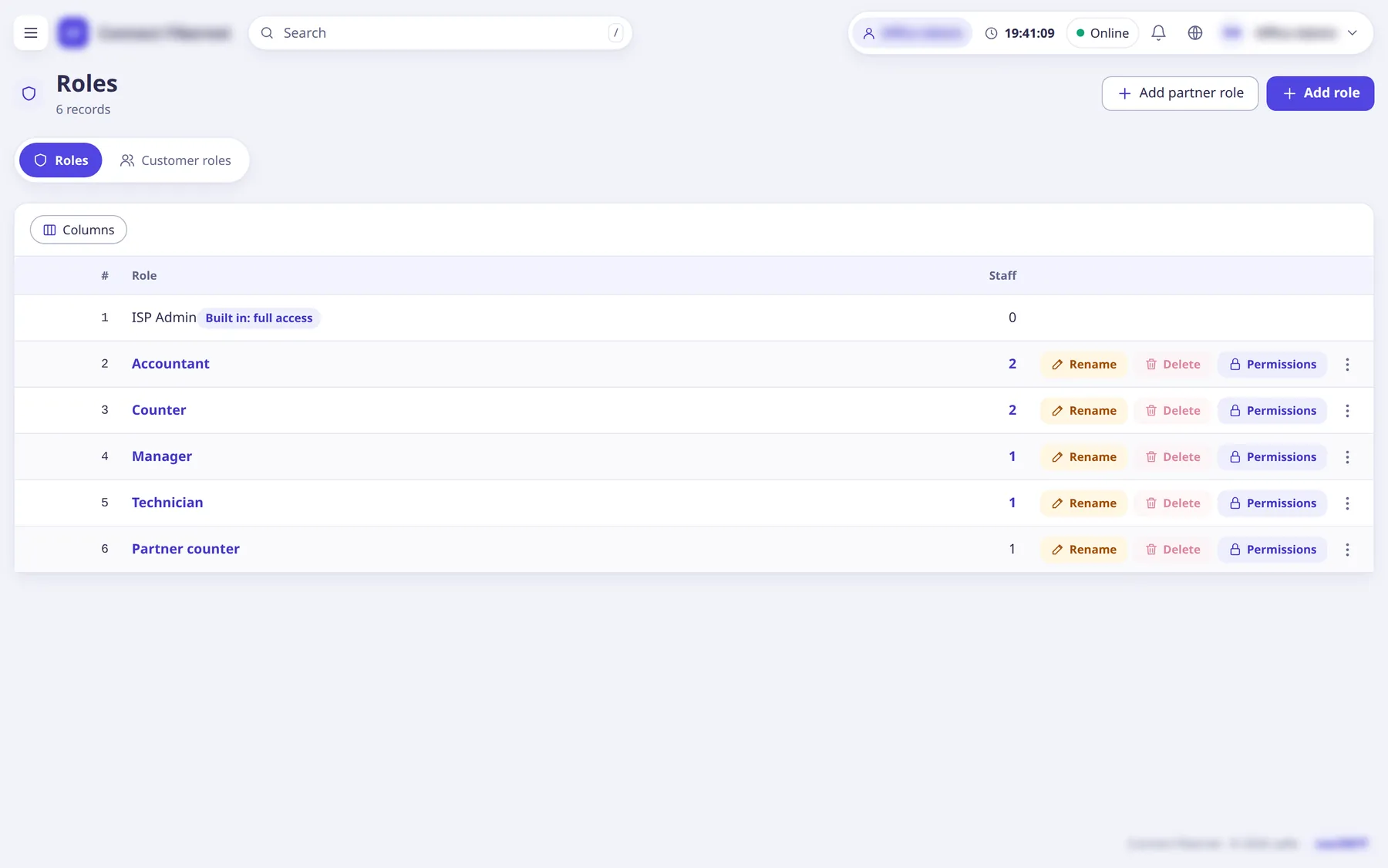
Create and edit roles: named sets of permissions you give to staff logins. Each new ISP starts with six default roles that can be renamed, changed or deleted; Add the default roles
on the Roles page adds any that are missing.
The settings
Role name
TextWhat the role is called. Names that look like a level (Owner, Super admin, Admin, ISP admin, Administrator ...) are refused.
- Default
- empty (required)
- When to change
- When creating a role.
For which partners
ChoiceShown when making a role for partner logins: which partner kind (reseller, sub-reseller, retailer) it is for. Partners give it to their own logins.
- Default
- n/a
- When to change
- Only for partner roles.
Start from
ChoiceCopies the ticks of an existing role (only what you hold yourself).
- Default
- Nothing ticked
- When to change
- To save time.
Who may give this role
ChoiceThe lowest level that may assign the role. Nobody can give it to someone at their own level or above, or change their own role.
- When to change
- To keep sensitive roles with administrators.
What this role may do
ListPermission checkboxes in groups with a Search permissions box (see the permissions list).
- Default
- none ticked
- When to change
- Tick the minimum needed.