 saRa
Customer portal and Quick Pay
What customers can do online without calling you, and the grace period after expiry. The tab also holds the Captive portal panel.
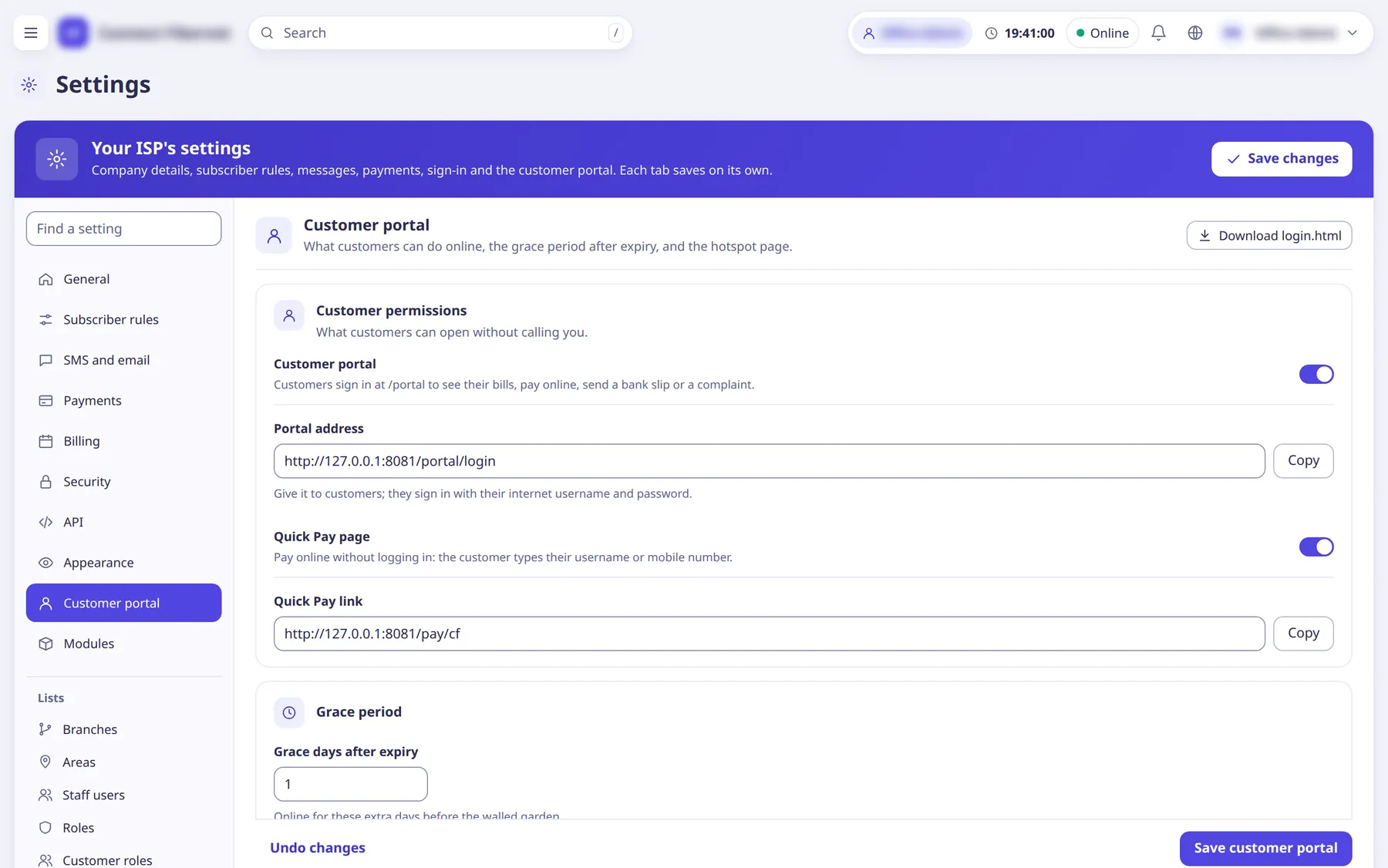
The settings
Customer portal
SwitchCustomers sign in at /portal to see bills, pay online, send a bank slip or a complaint. Switching it on reveals the Portal address (read-only, with Copy); customers sign in with their internet username and password.
- Default
- on
- When to change
- Turn off if you do not want a self-service portal.
Quick Pay page
SwitchCustomers pay online without logging in by typing their username or mobile number. Reveals the Quick Pay link (read-only, with Copy).
- Default
- on
- When to change
- Turn off to stop anonymous online payment.
Grace days after expiry
NumberCustomers stay online this many extra days after expiry before the walled garden. Changes apply from the next renewal.
- Default
- 0 (allowed 0 to 30)
- When to change
- If you give customers a few days' leeway.