 saRa
Sign-in and security
How staff sign in (a code on top of the password), who has two-step sign-in on, and whether the same CNIC or mobile number may be on more than one subscriber.
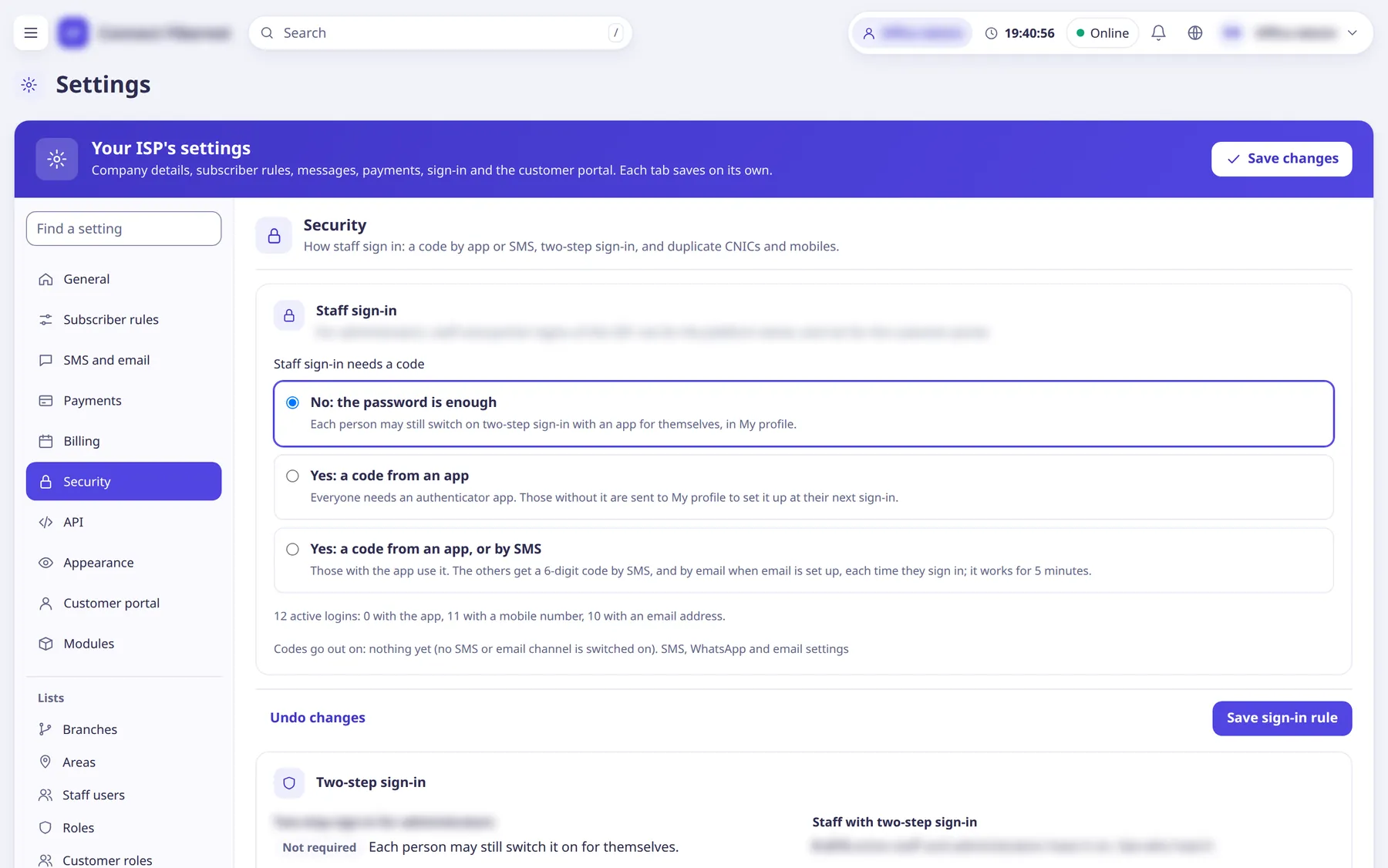
The settings
Staff sign-in needs a code
ChoiceApplies to administrators, staff and partner logins of this ISP (not the platform owner, not the customer portal). The app option needs the server's master key (APP_MASTER_KEY), otherwise it is disabled.
- Default
- No: the password is enough
- Options
- No: the password is enoughYes: a code from an appYes: a code from an app, or by SMS
- When to change
- To require stronger sign-in for your team.
Two-step sign-in for administrators
ListShows whether the platform owner requires two-step sign-in for administrators (set under Platform settings).
- Default
- read-only
- When to change
- Information only.
Staff with two-step sign-in
ListCount of active staff and administrators with two-step on, with a link to see who has not.
- Default
- read-only
- When to change
- To chase people who have not set it up.
Allow the same CNIC on more than one subscriber
SwitchSwitched off, a CNIC already on another subscriber is refused when adding, editing or importing (terminated subscribers do not count). Old duplicates stay.
- Default
- on
- When to change
- Switch off if you want one CNIC = one connection.
Allow the same mobile number on more than one subscriber
SwitchSame rule for mobile numbers.
- Default
- on
- When to change
- Switch off to keep mobile numbers unique.