 saRa
Shifts and attendance
Define working shifts and see who marked present or on leave. A shift gives the working days and when the day starts: present marked after the start plus its grace minutes counts as late. Times follow the ISP's clock; an end before the start runs past midnight. Each staff login works one shift; with no shift the working days are Monday to Saturday.
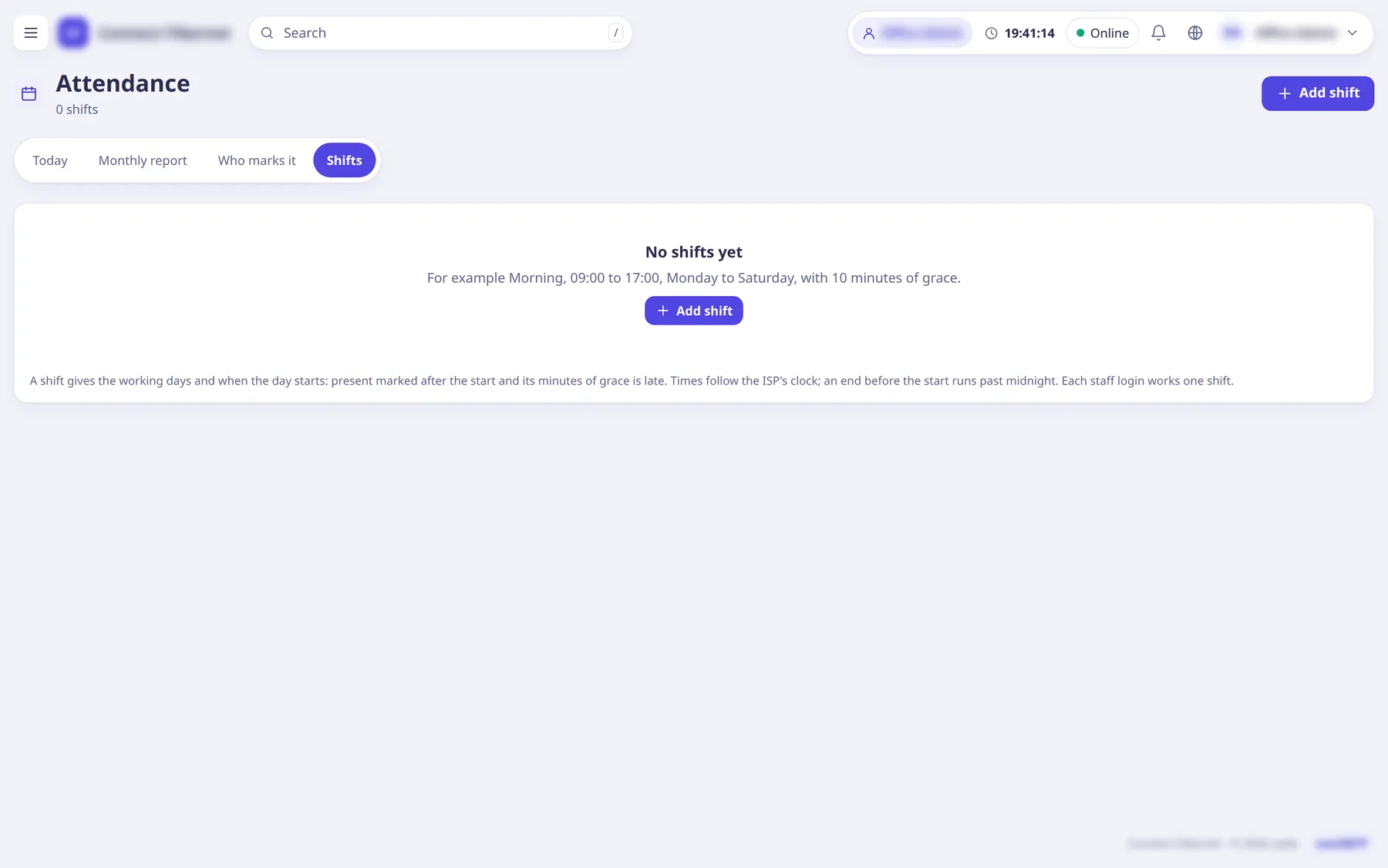
The settings
Shift name
TextFor example Morning.
- Default
- empty (required)
- When to change
- When adding.
Starts
TextShift start time.
- Default
- 09:00
- When to change
- Set to the real start.
Ends
TextShift end time (an end before the start runs past midnight).
- Default
- 17:00
- When to change
- Set to the real end.
Grace (minutes)
NumberA check-in up to this late is on time.
- Default
- 10
- When to change
- Adjust leniency.
Days it runs
ListDay checkboxes.
- Default
- Monday to Saturday
- When to change
- If staff work other days.
Who works this shift
ListTick staff; ticking someone on another shift moves them to this one.
- Default
- none
- When to change
- To assign staff.