 saRa
Areas
Cities, areas and sub-areas (blocks, sectors, streets) used on subscribers, packages and lists, plus provinces. An area can stand alone without a city; Move under a city
puts it in one. New area names typed on a subscriber are added here by themselves. This page is switched off by turning off the Area module under Modules.
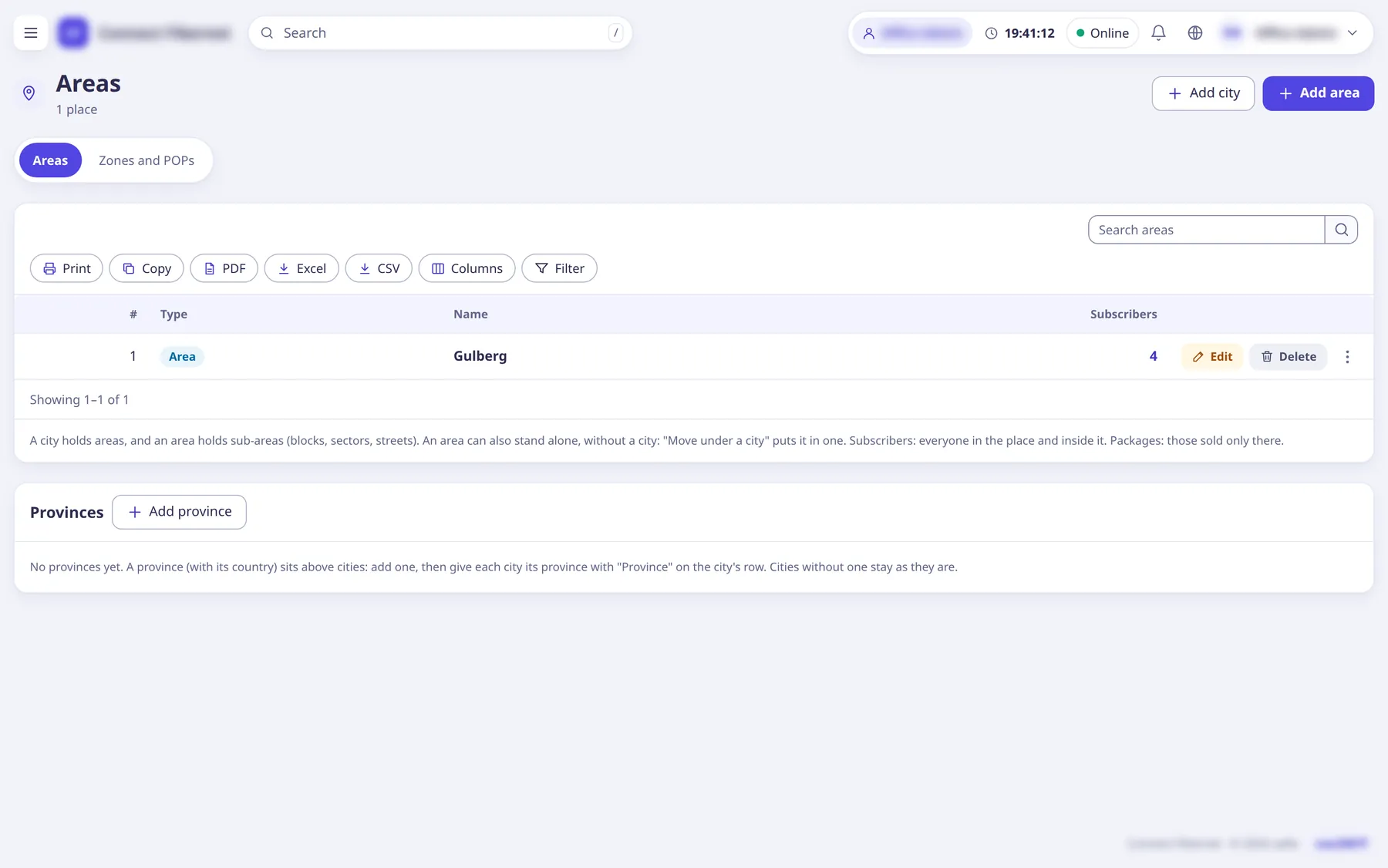
The settings
Type
ChoiceCity (holds areas), Area (in a city, or on its own), Sub-area (inside an area).
- Default
- Area (in a city, or on its own)
- Options
- City (holds areas)Area (in a city, or on its own)Sub-area (inside an area)
- When to change
- When adding.
City
ChoiceFor an area: the city it sits in.
- Default
- No city (on its own)
- When to change
- When adding an area.
Inside
ChoiceFor a sub-area: the area it sits inside.
- Default
- Pick the area
- When to change
- When adding a sub-area.
Name (area)
TextLike Lahore for a city, Model Town for an area, Block C for a sub-area. No "/".
- Default
- empty (required)
- When to change
- When adding or renaming (subscribers show the new name).
Move
ChoiceMove an area under another city or area; its subscribers and everyone inside it show the new place. Packages sold there stay sold there.
- Default
- n/a
- When to change
- To reorganise.
Province / Country
TextProvinces (for example Punjab or Sindh, no "/") with an optional country; a city can be assigned a province, shown above the city in pickers and on the customer portal.
- Default
- empty
- When to change
- Optional grouping.