 saRa
Sign-in page look
Chooses how the customer sign-in page looks, with a live preview. The staff sign-in page keeps the platform's look.
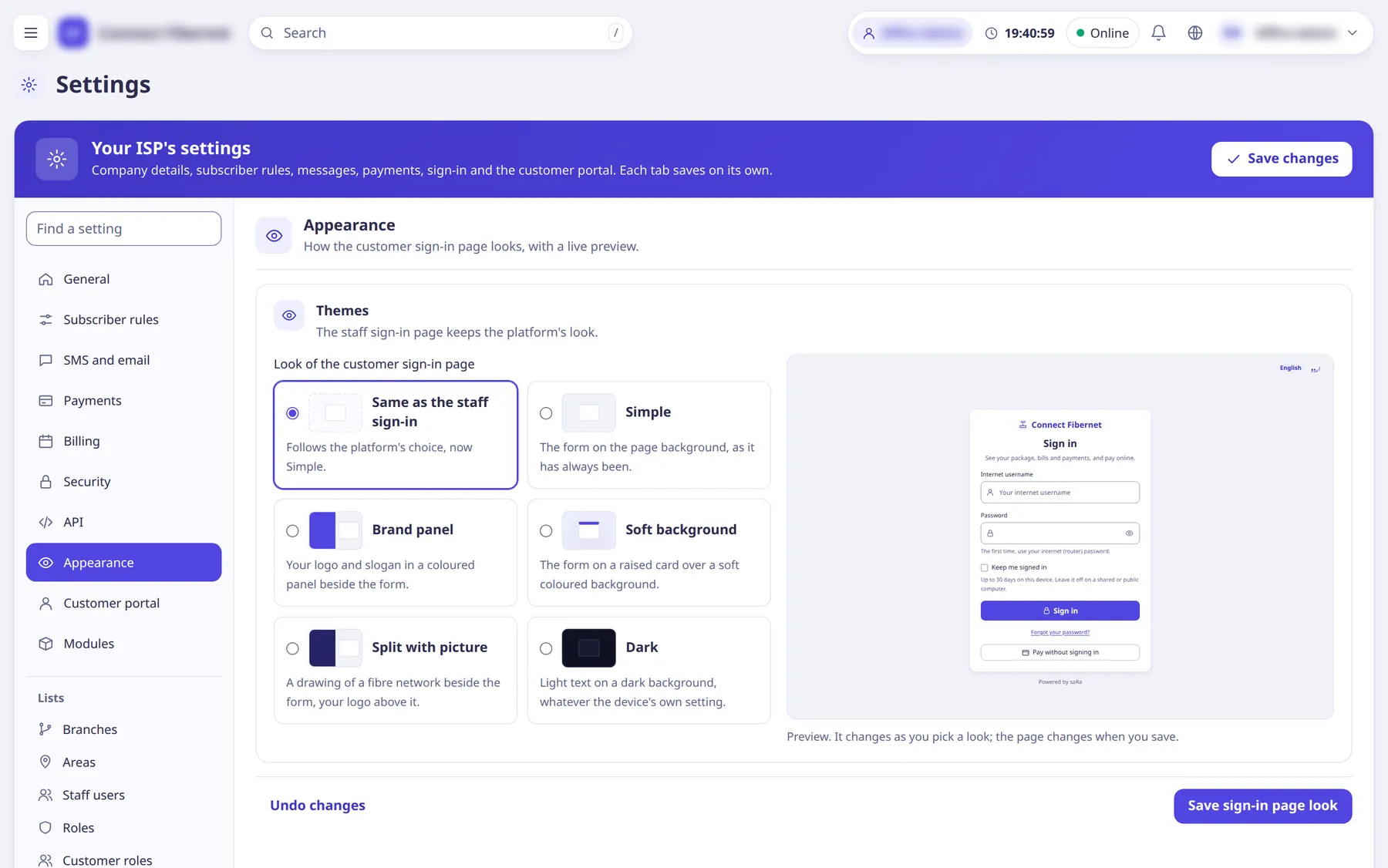
The settings
Look of the customer sign-in page
ChoiceRadio cards with a live preview. Options: Same as the staff sign-in (follows the platform's choice), Simple (form on the page background), Brand panel (logo and slogan in a coloured panel beside the form), Soft background (form on a raised card over a soft coloured background), Split with picture (a drawing of a fibre network beside the form, logo above), Dark (light text on a dark background whatever the device setting).
- Default
- Same as the staff sign-in
- Options
- Same as the staff sign-inSimpleBrand panelSoft backgroundSplit with pictureDark
- When to change
- To match your brand.