 saRa
Staff
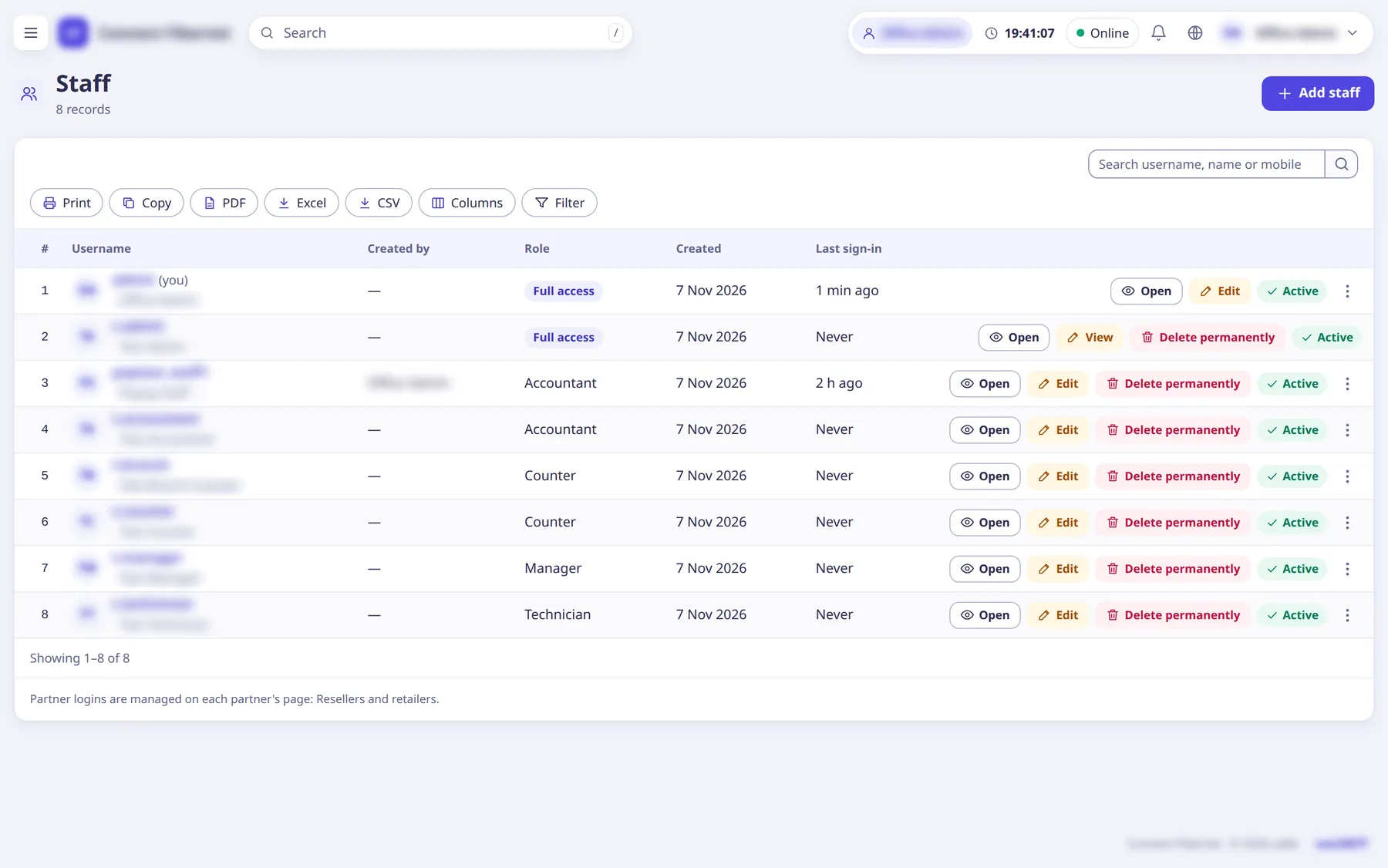
Add, edit, pause and delete staff logins. The staff profile also has a balance (staff wallet), documents, salary and activity tabs, and two-step sign-in status.
The settings
Access
ChoiceFull access (can do everything, including adding staff) or one of the ISP's roles. You cannot change your own access.
- When to change
- Pick the role that matches the job.
Username
TextUsed to sign in. Small letters, digits, dot, dash. Fixed after creation.
- Default
- empty (required)
- When to change
- When adding.
Full name
TextThe person's name.
- Default
- empty (required)
- When to change
- When adding.
Mobile
TextSign-in codes are sent to this mobile.
- Default
- empty (required when adding)
- When to change
- Keep current.
Email (staff)
TextSign-in codes go here too when email is set up.
- Default
- empty
- When to change
- Optional.
CNIC
TextNational ID number.
- Default
- empty (required when adding)
- When to change
- When adding.
Branch (staff)
ChoiceStaff in a branch see only its subscribers and cash; administrators always see every branch.
- Default
- none
- When to change
- To limit a person to one branch.
Password (staff)
TextWith Generate and Show buttons; when editing, empty keeps the old password. Only a super admin or the owner sets another administrator's password.
- Default
- empty (required when adding)
- When to change
- When adding or resetting.
Can sign in
SwitchOff = paused: signed out everywhere and cannot sign in until resumed; history stays.
- Default
- on
- When to change
- To suspend someone without deleting.
Must mark attendance
ChoiceYes: each day the person marks present or leave on My profile.
- Default
- As the role says (staff: yes; administrators: no)
- Options
- As the role says (staff: yes; administrators: no)YesNo
- When to change
- To include or exclude someone from attendance.
Balance (staff)
ListThe login's staff balance: renewals and activations done by hand take the whole bill off it. New staff need a top-up before they can renew anyone.
- Default
- 0
- When to change
- Top up before staff renew customers.
Two-step sign-in (status)
ListShows whether two-step is on; a manager of higher rank can switch it off for someone who lost their phone and codes.
- Default
- off
- When to change
- To recover a locked-out person.