 saRa
Subscribers
How new usernames and passwords are made on the Add subscriber form, and whether stale sessions are closed automatically.
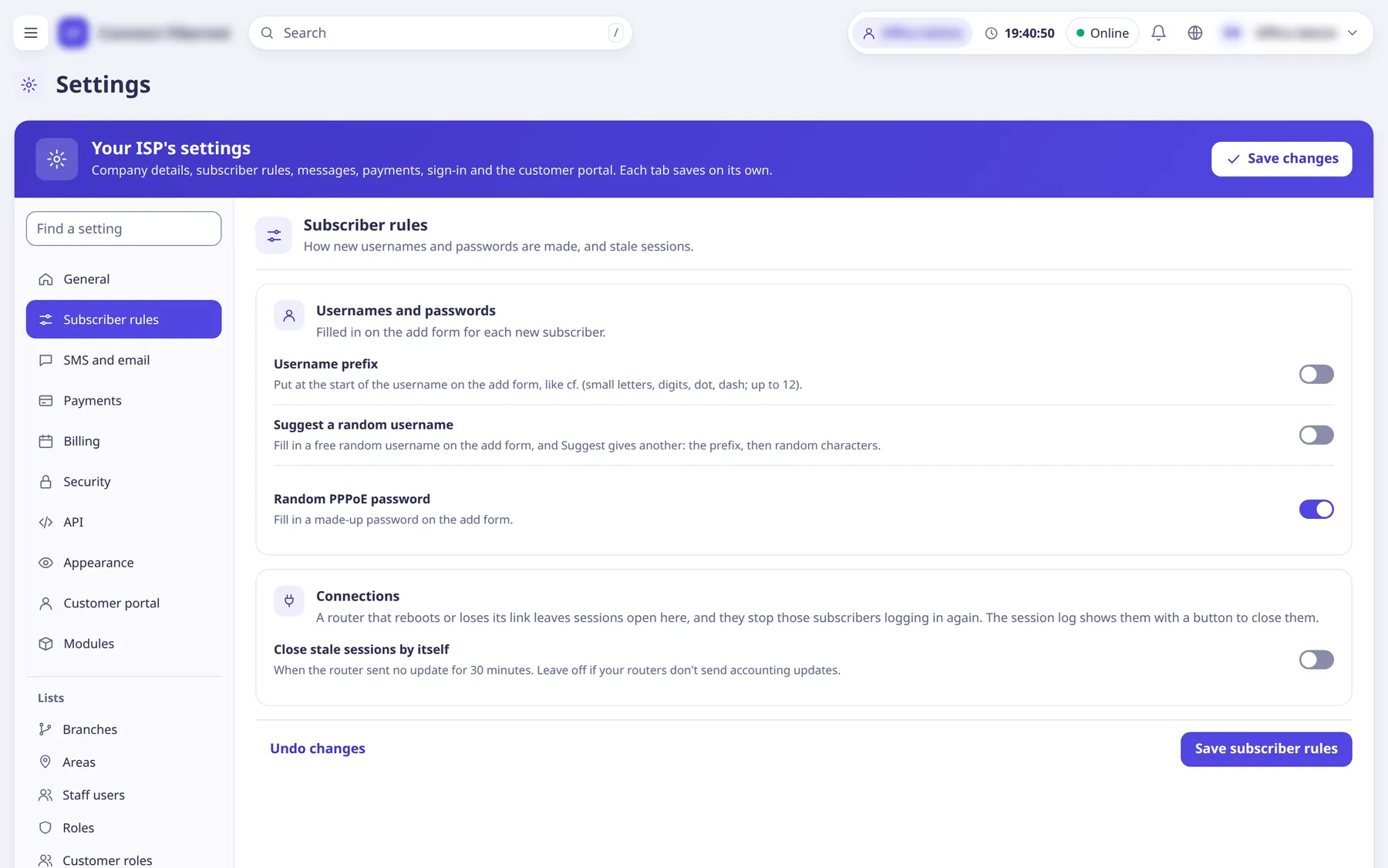
The settings
Username prefix
SwitchPut at the start of the username on the add form (for example cf.). Small letters, digits, dot, dash; up to 12 characters. A text box for the prefix appears next to the switch.
- Default
- off (empty prefix)
- When to change
- If you want all usernames to start the same way.
Suggest a random username
SwitchFills in a free random username on the add form (and a Suggest button gives another): the prefix, then random characters.
- Default
- off
- When to change
- If staff should not invent usernames.
Random part
ChoiceWhat the random characters are made of. Letters and digits leave out characters that look alike (0 and o, 1 and l).
- Default
- Digits (cf.482913)
- Options
- Digits (cf.482913)Letters and digits (cf.k7m2q9)
- When to change
- Shown only while the random username is on.
Characters
NumberHow many random characters after the prefix; 4 to 12.
- Default
- 6
- When to change
- Shown only while the random username is on.
Random PPPoE password
SwitchFills in a made-up password on the add form.
- Default
- on
- When to change
- Turn off if staff should type passwords.
Close stale sessions by itself
SwitchCloses sessions a router left open when the router has sent no update for 30 minutes (checked every few minutes). A router that reboots or loses its link leaves such sessions open, which stops the subscriber logging in again.
- Default
- off
- When to change
- Leave off if your routers do not send accounting updates, otherwise live sessions would look stale.