 saRa
Settings
The Settings page is one frame with a tab rail (General, Subscriber rules, SMS and email, Payments, Billing, Security, API, Appearance, Customer portal, Modules), a "Find a setting" search box, and a Lists card with links to the list-style settings pages. Each tab saves on its own; a person only sees the tabs and lists their permissions allow.
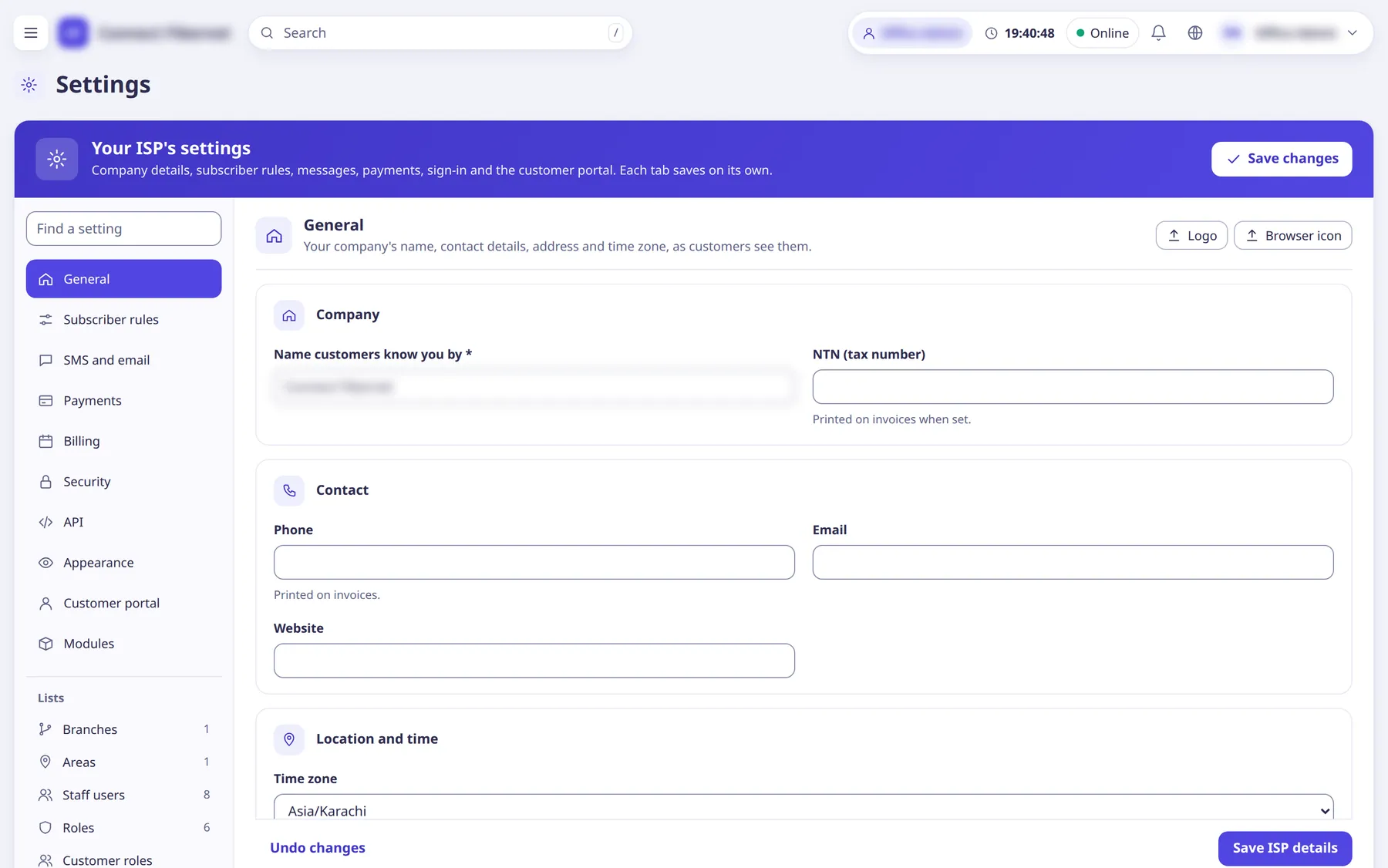
The settings
Find a setting
TextSearch box at the top of the tab rail that jumps to the tab holding a setting (matches tab names, panel names and words such as "time zone", "grace days", "sandbox").
- Default
- empty
- When to change
- Use it instead of hunting through tabs.
Save changes
ListButton in the band at the top; saves the open tab. Leaving a tab with unsaved changes asks for confirmation.
- Default
- n/a
- When to change
- After editing any tab.