 saRa
Customer roles
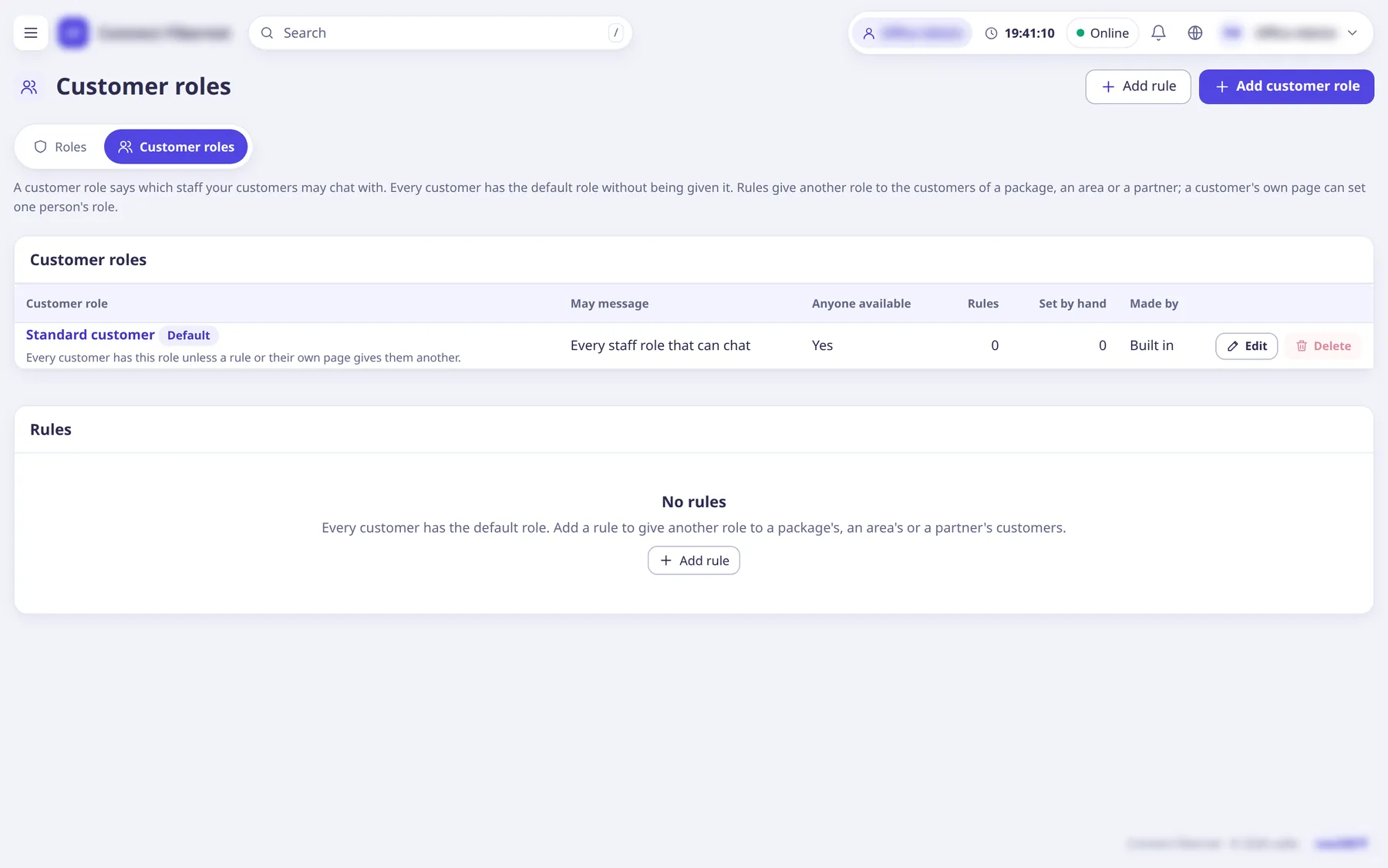
A customer role says which staff your customers may chat with. Every customer has the default role without being given it. Rules give another role to the customers of a package, an area or a partner; a customer's own page can set one person's role. Order of precedence: the customer's own role, then the first matching rule (lowest priority number), then the default.
The settings
Name (customer role)
TextFor example Standard customer, Business customer or Gold package.
- Default
- empty (required)
- When to change
- When adding.
Description
TextOnly staff see it.
- Default
- empty
- When to change
- Optional.
Every staff role that can chat
SwitchNow and later: a new role that may chat is included by itself.
- When to change
- To let customers message anyone.
Or these staff roles
ListPick specific staff roles customers may message.
- Default
- none
- When to change
- To route chats to a team.
They may pick anyone available
SwitchTheir message goes to whoever of those roles is free first.
- When to change
- To let chat go to the first free person.
Make it the default
SwitchEvery customer without a rule or their own choice gets it; the old default stays as a normal role. The default role cannot be deleted.
- Default
- off
- When to change
- To change what everyone gets.
Rule: Customers of
ChoicePick a package, an area or a partner. An area includes its sub-areas; a partner includes the partners under it. A new rule for the same one replaces the old.
- Default
- empty (required)
- When to change
- When giving a group a different role.
Rule: Customer role
ChoiceThe role those customers get.
- Default
- empty (required)
- When to change
- As above.
Rule: Priority
NumberWhen a customer matches several rules, the lowest number wins.
- Default
- 100 (allowed 0 to 10,000)
- When to change
- When rules overlap.