 saRa
Zones and POPs
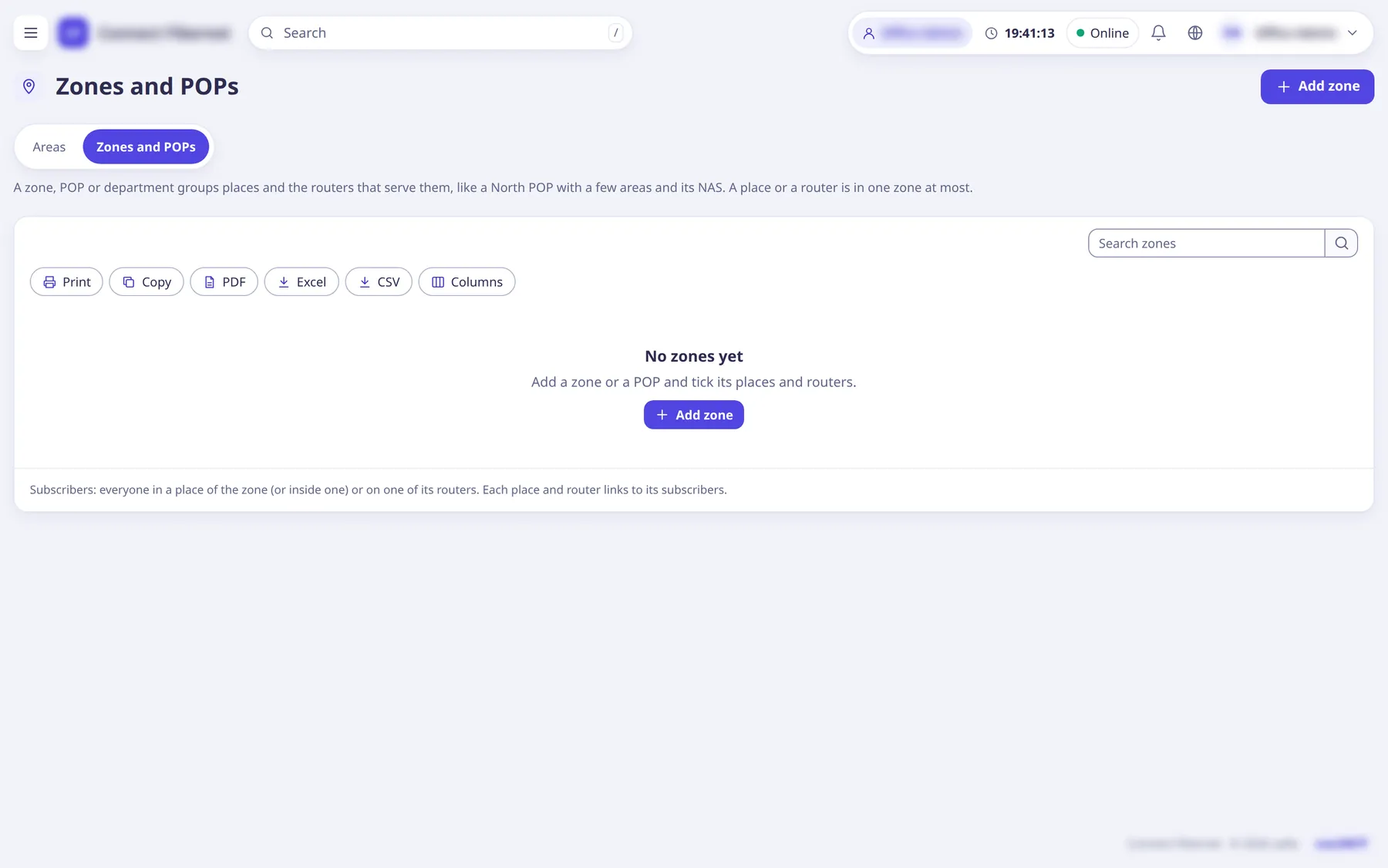
A zone, POP or department groups places and the routers that serve them, like a North POP with a few areas and its router. A place or a router is in one zone at most.
The settings
Name (zone)
TextLike North POP or Saddar zone.
- Default
- empty (required)
- When to change
- When adding.
Type (zone)
ChoiceZone, POP or Department.
- Default
- Zone
- Options
- ZonePOPDepartment
- When to change
- Pick what fits.
Note
TextOptional: where it is, who looks after it.
- Default
- empty
- When to change
- Optional.
Places in this zone
ListTick cities/areas; a ticked city or area takes in everything inside it. A place ticked here leaves the zone it was in.
- Default
- none
- When to change
- To build the zone.
Routers in this zone
ListTick the routers (NAS) that serve it.
- Default
- none
- When to change
- To build the zone.