 saRa
Modules and names
Switch parts of the menu on or off for everyone, and rename your three partner levels. Nothing is deleted when a module is switched off.
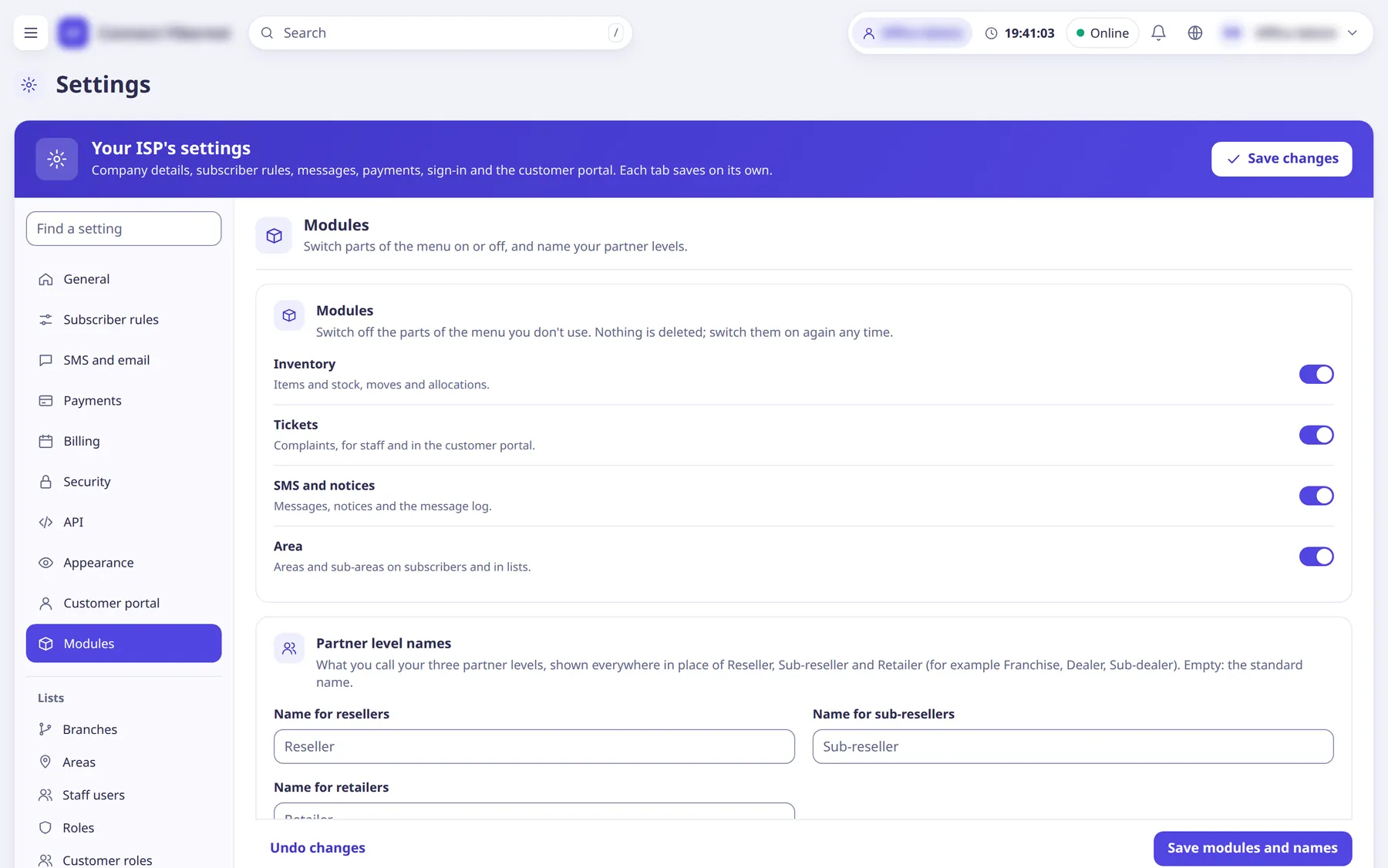
The settings
Inventory
SwitchItems and stock, moves and allocations.
- Default
- on
- When to change
- Turn off if you do not track stock.
Tickets
SwitchComplaints, for staff and in the customer portal.
- Default
- on
- When to change
- Turn off if you do not use complaints.
SMS and notices
SwitchMessages, notices and the message log.
- Default
- on
- When to change
- Turn off if you do not message customers from saRa.
Area
SwitchAreas and sub-areas on subscribers and in lists.
- Default
- on
- When to change
- Turn off if you do not organise customers by area.
Name for resellers
TextWhat you call your first partner level, shown everywhere in place of Reseller.
- Default
- empty (shows Reseller; max 30 characters)
- When to change
- If you say Franchise, Dealer or similar.
Name for sub-resellers
TextName for the second partner level.
- Default
- empty (shows Sub-reseller; max 30 characters)
- When to change
- As above.
Name for retailers
TextName for the third partner level.
- Default
- empty (shows Retailer; max 30 characters)
- When to change
- As above.